disting NT
Send samples to the microSD card of an Expert Sleepers disting NT. Arkidome is not made by or affiliated with Expert Sleepers. For what every device gets, see Hardware. The older disting mk4 and EX read their cards differently and have their own page: disting mk4/EX.
What the module needs
| Sample format | WAV, mono or stereo, any sample rate, 8, 16, 24 or 32-bit float; Arkidome writes 24-bit 48 kHz, the rate the module runs at |
| Folders | Subfolders of the top level samples folder, each holding .wav files; up to 1000 files per folder, 1000 folders and 10,000 samples in all |
| Card | FAT32 or exFAT microSD |
| The module's own folders | presets, programs, ui_scripts, FMSYX, wavetables, MIDI, scl, kbm, MTS and recordings are not samples and are never read or written |
| Not on this module | Banks, sets, bank names and joined files with cue sets |
The disting NT also does many things that are not sample playback. Arkidome only handles the sample folders its sample algorithms read.
How the card is recognized
Nothing on an NT card is required, so Arkidome looks for a folder the module makes or documents at the top of the
card: presets, programs, ui_scripts or FMSYX. A samples folder alone is not enough, because the Erica Synths
Sample Drum uses that name too, and MIDI or wavetables are not enough either, because the disting mk4/EX keeps them
as well. A card with one of those folders and a samples folder is the disting NT's, even though it looks like a Sample
Drum card. To make a blank card the NT's, right-click it in the sidebar's Drives section, choose Set Up for Device
and then disting NT: Arkidome makes presets and samples, and changes nothing that is already there.
Browse the card
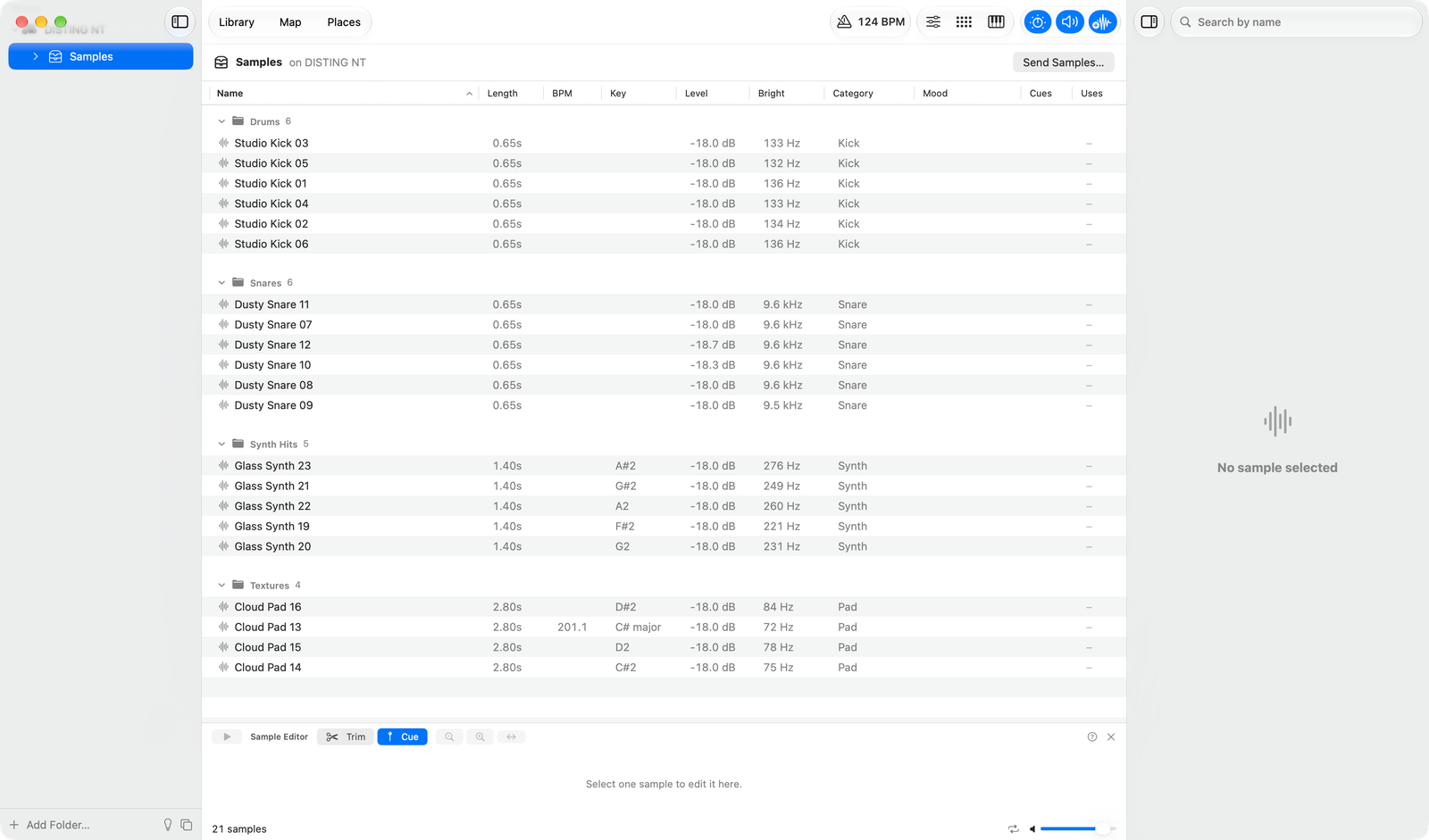
The card appears in the sidebar with the folders inside samples. Hear a sample, drag it out or try it in the drum
machine. Right-click a folder to reveal it or move it to the Trash. Samples on the card are never added to your library.
Send samples
Send to disting NT… writes the samples into a folder inside samples that you pick or name; there is no choice without
a folder. They are brought to the same loudness (the sheet's Match levels switch turns that off), and written as
24-bit 48 kHz WAV, mono or stereo as the sample is, with no length limit. Trims and sound edits are applied. Nothing is
overwritten, and a folder never goes past 1000 files. File names are cut at 24 characters. The module scans the card when
it starts, so restart it after you send.
The manual does not give a name length, a sample length or how deep folders may be nested, so those are cautious choices. Exact behavior on the hardware has not been verified.