Nebulae
Plug in the USB stick of a Qu-Bit Electronix Nebulae and Arkidome takes it as one for the module. There is nothing to set up: its features appear while the stick is plugged in and go away with it. Arkidome is not made by or affiliated with Qu-Bit Electronix. For what every device gets, see Hardware.
What the module needs
| Sample format | WAV, FLAC and AIFF of any bit depth and sample rate; the module plays at 48 kHz and adjusts them itself |
| Where | The audio files lie loose in the root of the stick. Files in folders are ignored |
| Stick | FAT32 |
| Order and size | The files load alphabetically, the first 75 MB in all; the rest stay on the stick unplayed |
| Not on this module | Banks, sets, a Pool and joined files with cue sets |
How the stick is recognized
The module's stick has no folder with its own name. Arkidome takes a drive for a Nebulae when it has, at the top,
the neb_log.txt file the module writes when it starts, or one of its instrument files (.instr or .pd). A stick
that only holds audio files is not recognized, because any stick looks like that. If the stick is new, start the
module with it once, or copy an instrument file onto it.
Browse the stick
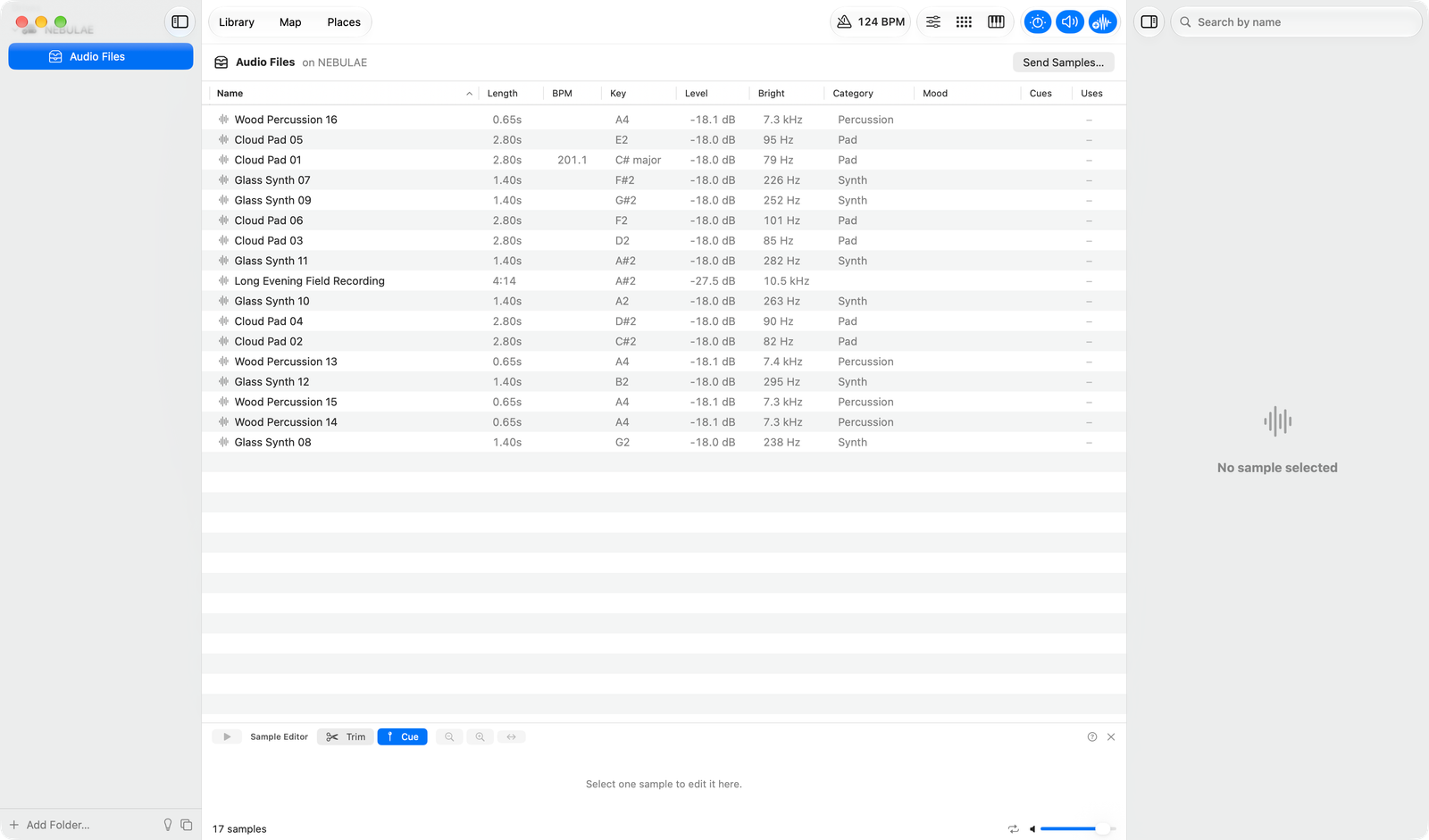
The stick appears in the sidebar as Audio Files, listing the audio files at its top. Hear a sample, drag it out or try it in the drum machine. Folders are not listed, because the module does not look in them. The module's log, instruments and firmware files are never touched. Samples on the stick are never added to your library.
Send samples
Send to Nebulae… (right-click menu, the drum machine, or the stick) has a Match levels switch, on by default. With it on, each sample is written as a new WAV file brought to the same loudness as the app's level matching, at its own sample rate, bit depth and channels, with no length limit; a FLAC or AIFF sample becomes a WAV file. Turn the switch off and samples are copied into the root of the stick exactly as they are: no change to bit depth or sample rate, no level matching; only a sample with a trim or a sound edit is then written as a new WAV file. File names keep up to 64 characters. A file already on the stick is never replaced; the new one gets a number.
The sheet warns in orange when the stick plus the new samples would pass 75 MB, since the module then loads only the first files in alphabetical order. A whole collection goes among the same files; no folder is made for it.
The module reads the stick when it starts. To load new files while it is running, hold its File button and press Source. Exact behavior on the hardware has not been verified.